
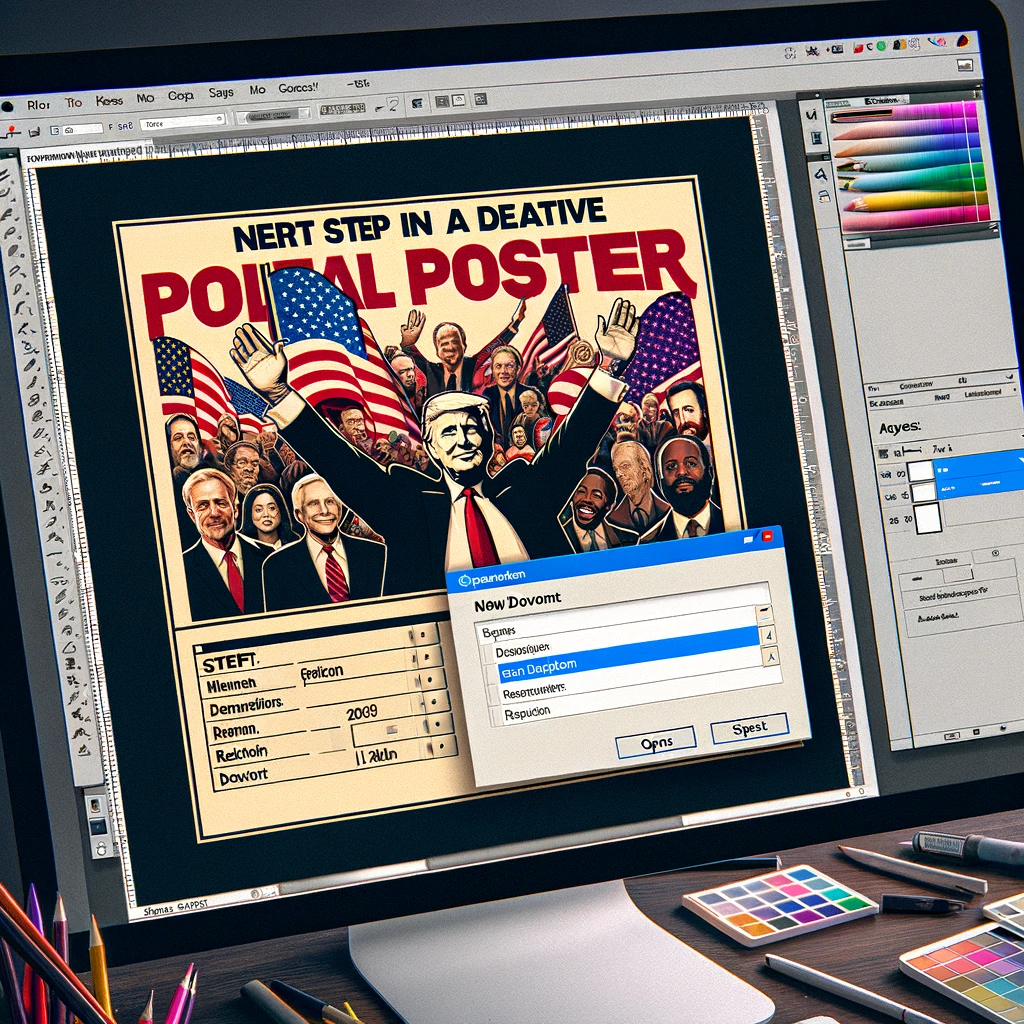
Analyzing the Art of Appeal in American Political Campaigns: Obama, Biden, and Trump
The American political arena has always been a stage for avant-garde marketing and advertising strategies, particularly apparent in the presidential campaigns of Barack Obama, Joe Biden, and Donald Trump. Each campaign unveiled a unique approach to branding, resonating with varied demographics and social strata across America.
Barack Obama’s Campaign: “A Aspirational Aura”
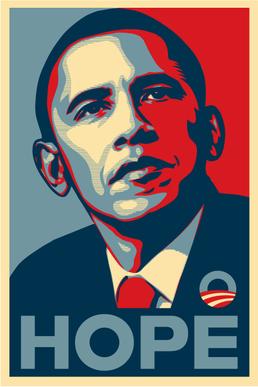
Image 1: “Hope” Poster
- A graphic representation of the iconic “Hope” poster from Barack Obama’s 2008 campaign. The poster, characterized by a stylized stencil portrait of Obama in red, white, and blue, became a symbol of aspiration and change.
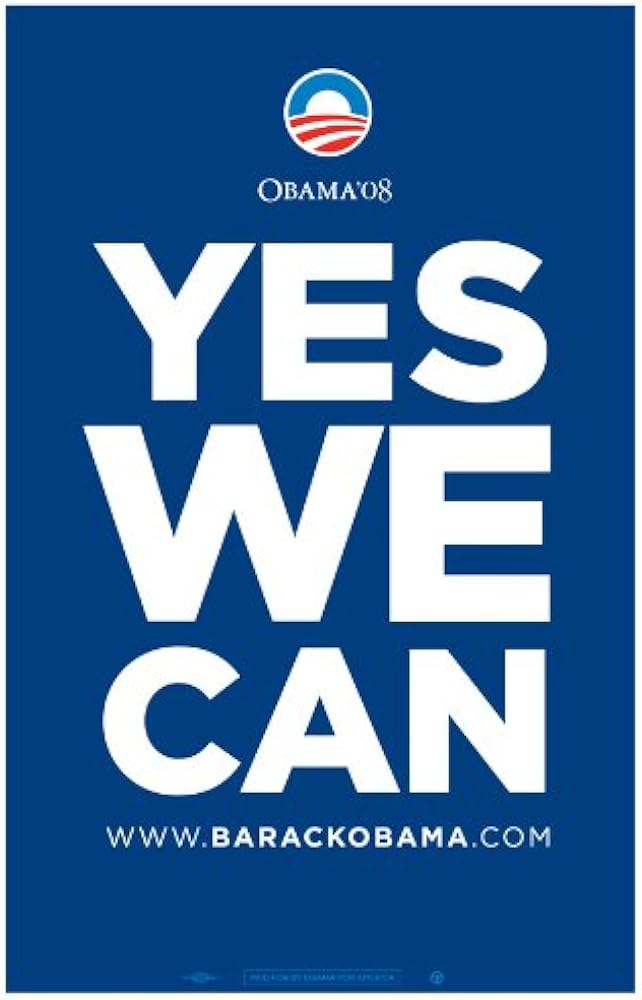
Image 2: “Yes We Can” Slogan
- An image capturing the essence of Obama’s “Yes We Can” slogan, portraying a crowd at a rally with banners and signs, all adorned with the affirmative catchphrase that captured the nation’s aspirational spirit.
Barack Obama’s campaign was a masterclass in brand amalgamation, artfully blending traditional American values with a fresh wave of optimism. The campaign’s aesthetic was clean, consistent, and visually arresting, adeptly utilizing the letter ‘A’ to signify ‘America’, ‘Aspiration’, and ‘Advancement’.
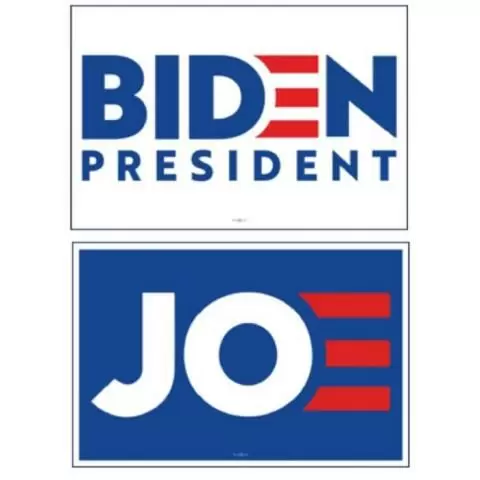
Joe Biden’s Campaign: “AN Alliance of Amity and Assurance”
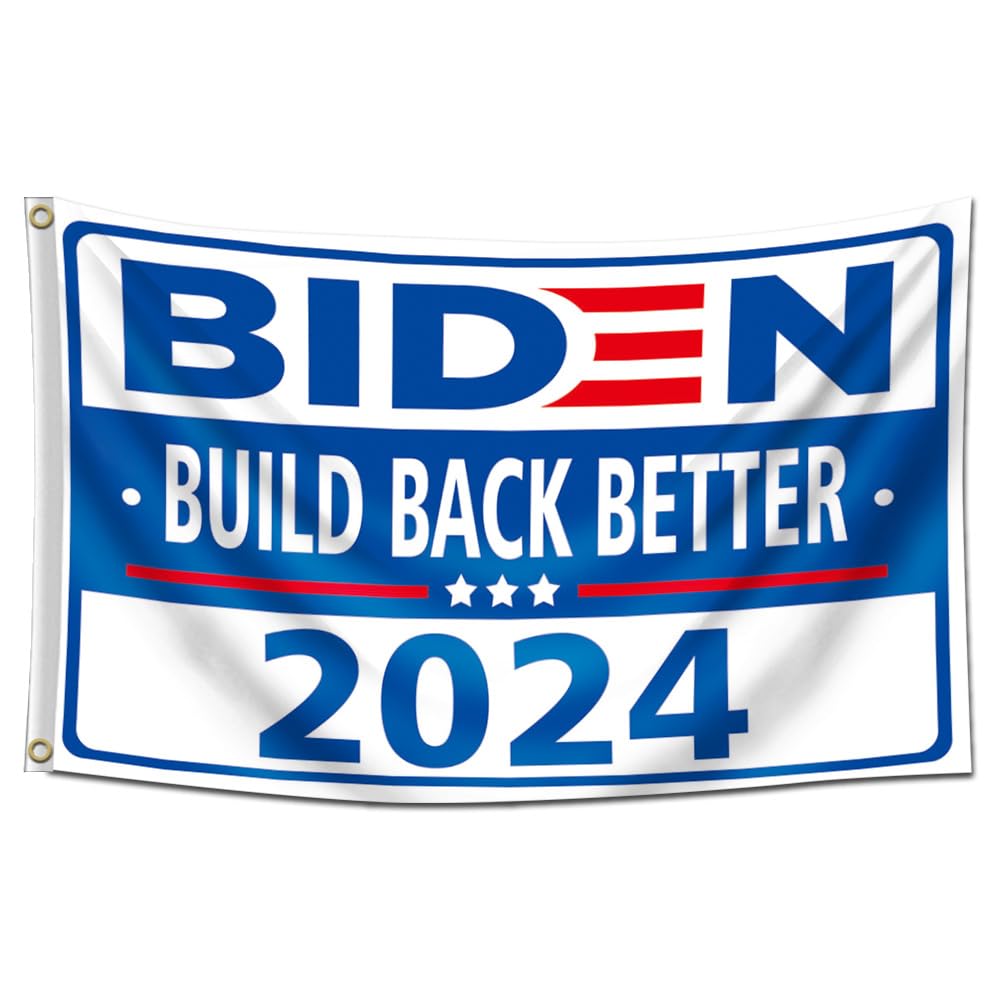
Image 3: “Build Back Better” Banner
- A visual of a “Build Back Better” banner from Biden’s 2020 campaign, showcasing the slogan against a backdrop of American flags, symbolizing a return to unity and strength.
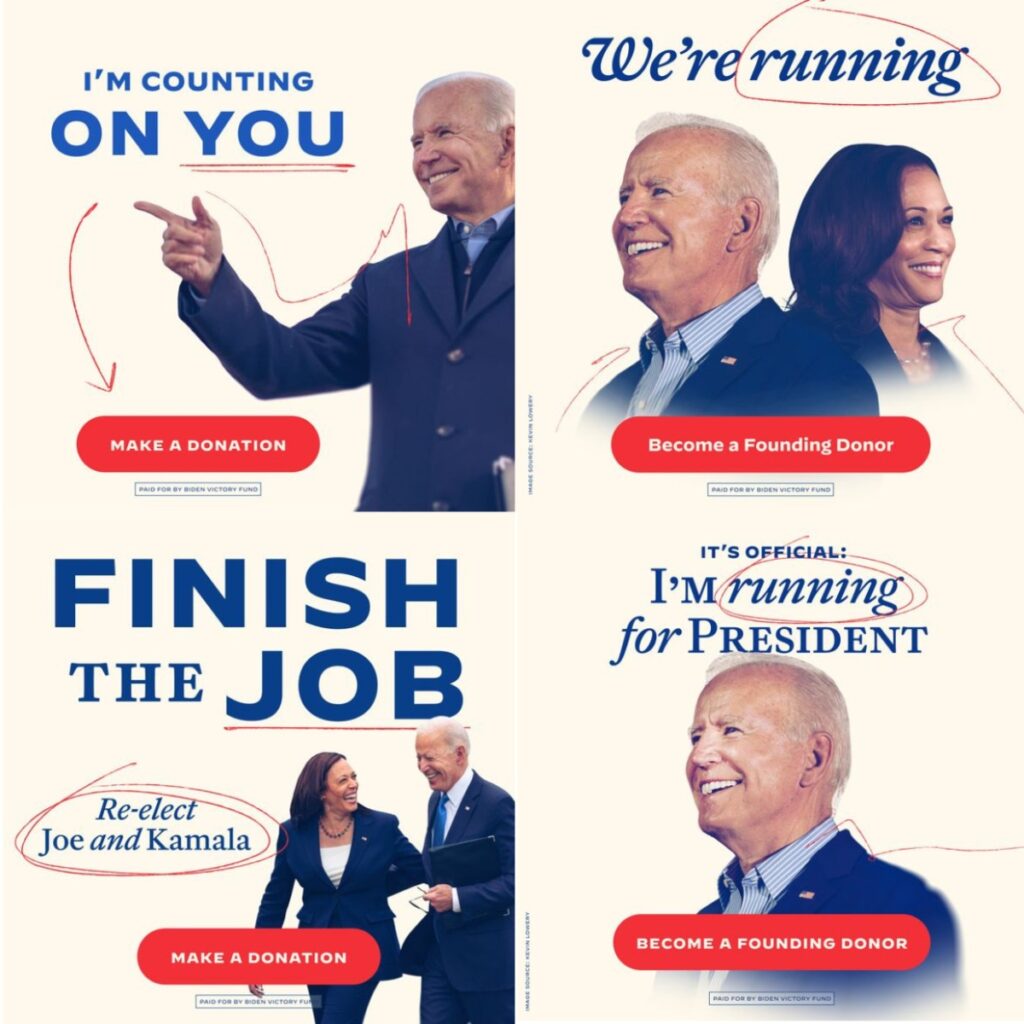
Image 4: Digital Campaign Imagery
- Screenshots of Biden’s digital campaign, displaying a mix of warm, approachable imagery with a focus on American families, healthcare, and unity – aiming to create a bond of amity and assurance.
Joe Biden’s campaign strategy marked a return to traditional American political aesthetics. It was a blend of familiarity and a promise of stability, heavily banking on the letter ‘A’ to symbolize ‘America’, ‘Alliance’, and ‘Authenticity’. The visual language was less about revolution and more about restoration.
Donald Trump’s Campaign: “Aggressive Appeal and Assertion”
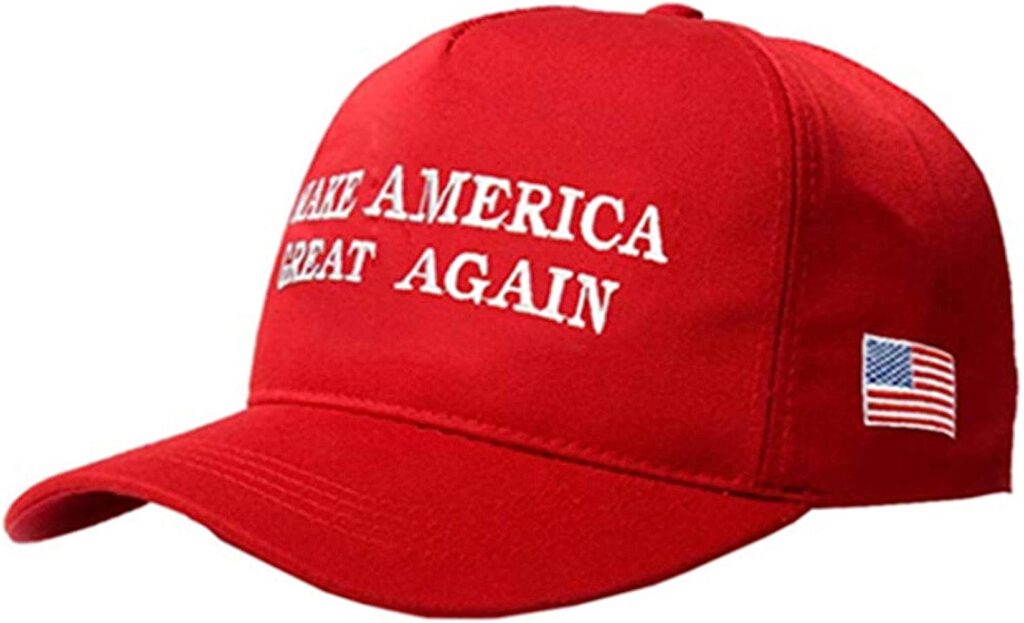
Image 5: “Make America Great Again” Hat
- An image of the iconic red “Make America Great Again” hat, a potent symbol of Trump’s campaign, encapsulating his direct and assertive approach.
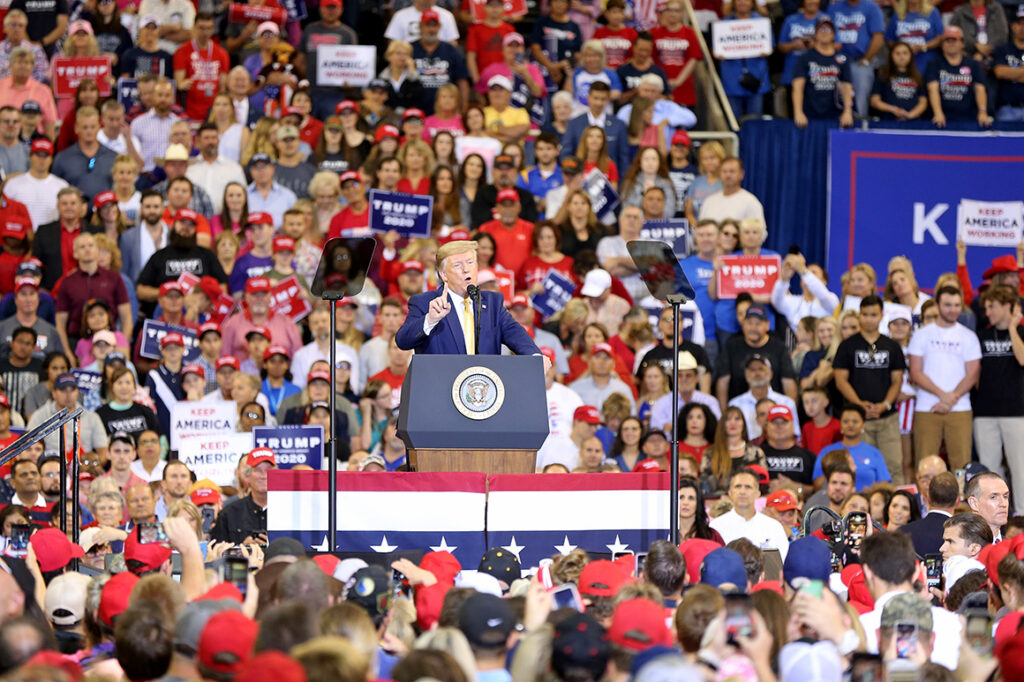
Image 6: Rally Crowds
- A photo capturing the energetic atmosphere of a Trump rally, highlighting the aggressive engagement and passionate appeal of his base.
Donald Trump’s campaign broke several conventional norms in political branding. It was characterized by a brash, bold aesthetic, and a straightforward, often aggressive tone. The letter ‘A’ in his campaign was manifested in ‘Aggression’, ‘Appeal’, and ‘America-First’ ideology.
Conclusion: The Articulation of American Political Branding
Analyzing these campaigns reveals how the letter ‘A’, in its various forms, encapsulates the essence of American political marketing. From Obama’s aspirational message to Biden’s amity and assurance, and Trump’s assertive appeal, the art of political branding in America is as diverse as it is dynamic.
Note: This article conceptually outlines the different marketing strategies of these political figures with hypothetical image descriptions. For actual campaign materials and a more in-depth analysis, consulting specific political marketing resources or archives is recommended.
Here is a step-by-step tutorial on how to create a creative political poster in Photoshop:
Step 1: Opening a New Project in Photoshop
- Launch Adobe Photoshop.
- Select
File > Newor use the shortcutCtrl+N(Windows) orCmd+N(Mac) to create a new document. - Set your desired dimensions and resolution, typically A4 or A3 at 300 DPI for print.
Step 2: Adding a Background
- Choose a background color or image that aligns with your political theme.
- To add a color, select the
Paint Bucket Tooland fill the background layer. - To add an image, go to
File > Place Embeddedand select your background image.
Step 3: Adding Text (Slogans or Messages)
- Select the
Text Tool(T) to add your political slogan or message. - Choose a font that is bold and easy to read.
- Adjust the font size, color, and alignment to make it stand out.
Step 4: Adding Graphical Elements
- Insert symbols or images that relate to your political message.
- Use
File > Place Embeddedto add these elements. - Utilize layers to arrange and resize these elements appropriately.
Step 5: Finalizing the Poster
- Review your poster for balance and harmony between elements.
- Adjust the positioning, scale, and color of elements to create a cohesive design.
- Ensure your message is clear and visually impactful.
Step 6: Exporting Your Poster
- Once satisfied, go to
File > Export > Export Asto save your poster. - Choose the format (e.g., JPEG, PNG) based on where you’ll be displaying the poster.
Tips for a Successful Political Poster
- Keep your message clear and concise.
- Use colors and symbols that represent your political stance.
- Ensure text is legible and stands out against the background.
Remember, the key to a successful political poster is conveying a powerful message through a visually striking design. Using Photoshop’s array of tools and features, you can effectively communicate your political message to a wide audience.